
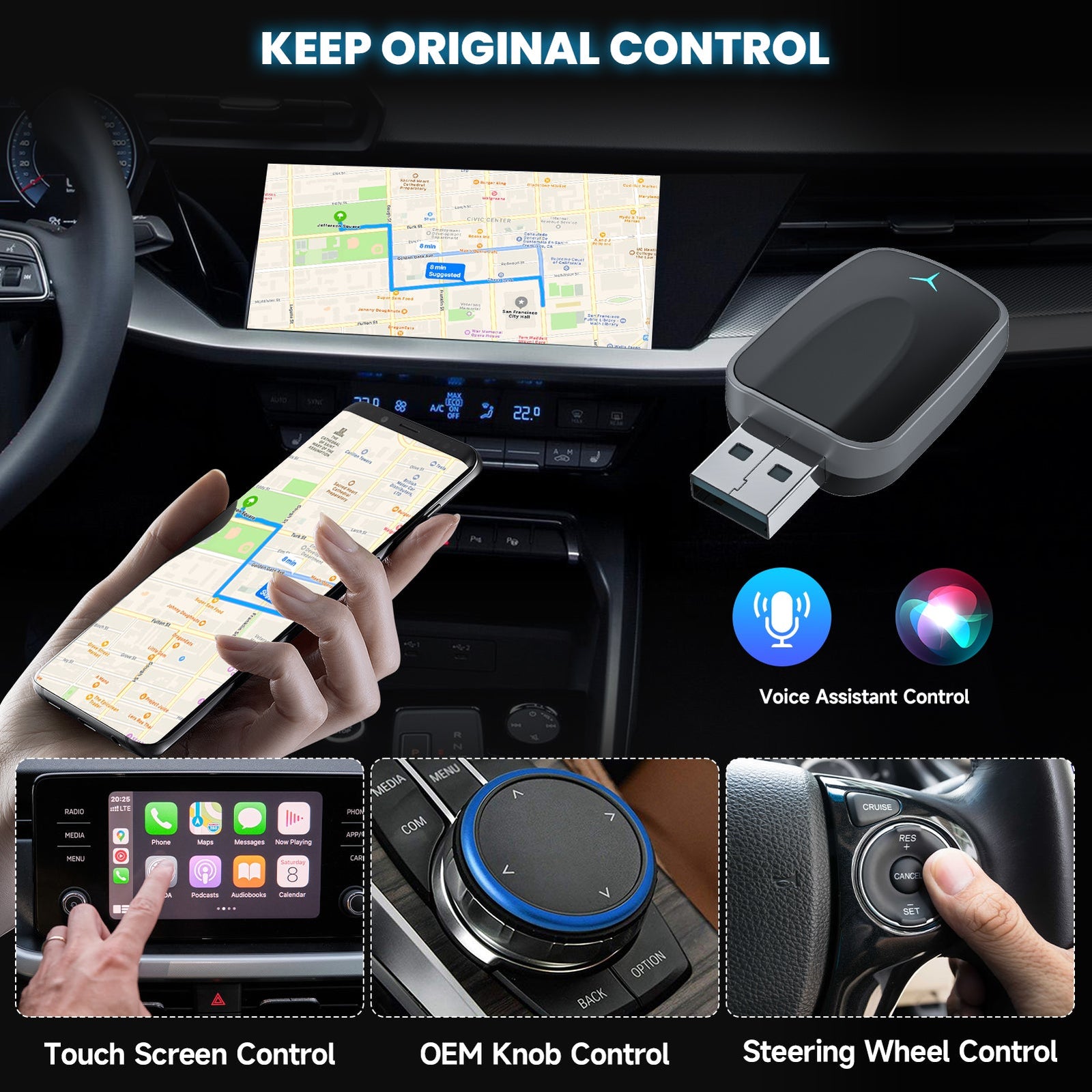
Introduction: Hassle-Free Setup
Upgrading your car to wireless CarPlay or Android Auto sounds like a complicated task, but with the Spedal CL320 Wireless Adapter, the setup is incredibly straightforward. This guide will walk you through the easy, three-step process to transform your car’s wired connection into a wireless one.
Step 1: Plug It In
First, plug the Spedal CL320 adapter into your car’s USB port. This simple step sets up the connection to your car’s factory-installed wired CarPlay or Android Auto system.
Step 2: Connect Your Phone
Next, connect your phone to the adapter. The adapter works with iPhones (iOS 10 or later) and Android devices (Android 9 or later), so you’ll be able to use CarPlay or Android Auto with ease.
Step 3: Enjoy Wireless Freedom
Once connected, the Spedal CL320 will automatically establish a wireless connection every time you start your car. No additional steps required. The adapter handles everything in the background, ensuring a seamless, hands-free experience every time you drive.
Why It’s So Easy
The Spedal CL320 doesn’t require any external drivers or software installation, which is what makes it such a user-friendly device. It’s as simple as plug-and-play, and the best part is that it will continue to work reliably without you having to worry about reconnecting every time.
Conclusion: Effortless Installation
The Spedal CL320 Wireless Adapter is designed with ease of use in mind. With just a few simple steps, you can upgrade your in-car experience to wireless CarPlay or Android Auto, making your drives more efficient and enjoyable.
2 commenti
buenas he comprado spedal 2025 ultimo carplay inalambrico adapter usb carplay y android auto puerto tipo c, convierte cable a inalambrico plug & play, auto-c, al conectarlo con distintos coches el adaptador enciende y apaga la conexion constantemente, puede actualizarse el firmware de alguna forma? o es error del aparato¿
Bonjour,
j’ai un spedal CL320-N qui ne fonctionne plus avec mon carplay de véhicule car je pense qu’il necessite une mise à jour du firmware.
J’ai essayé de la faire en suivant les instructions mais l’adaptateur ne se connecte pas au serveur et tourne dans le vide , donc je n’arrive pas à faire de mise à jour.
Pouvez-vous m’aider SVP
Cordialement